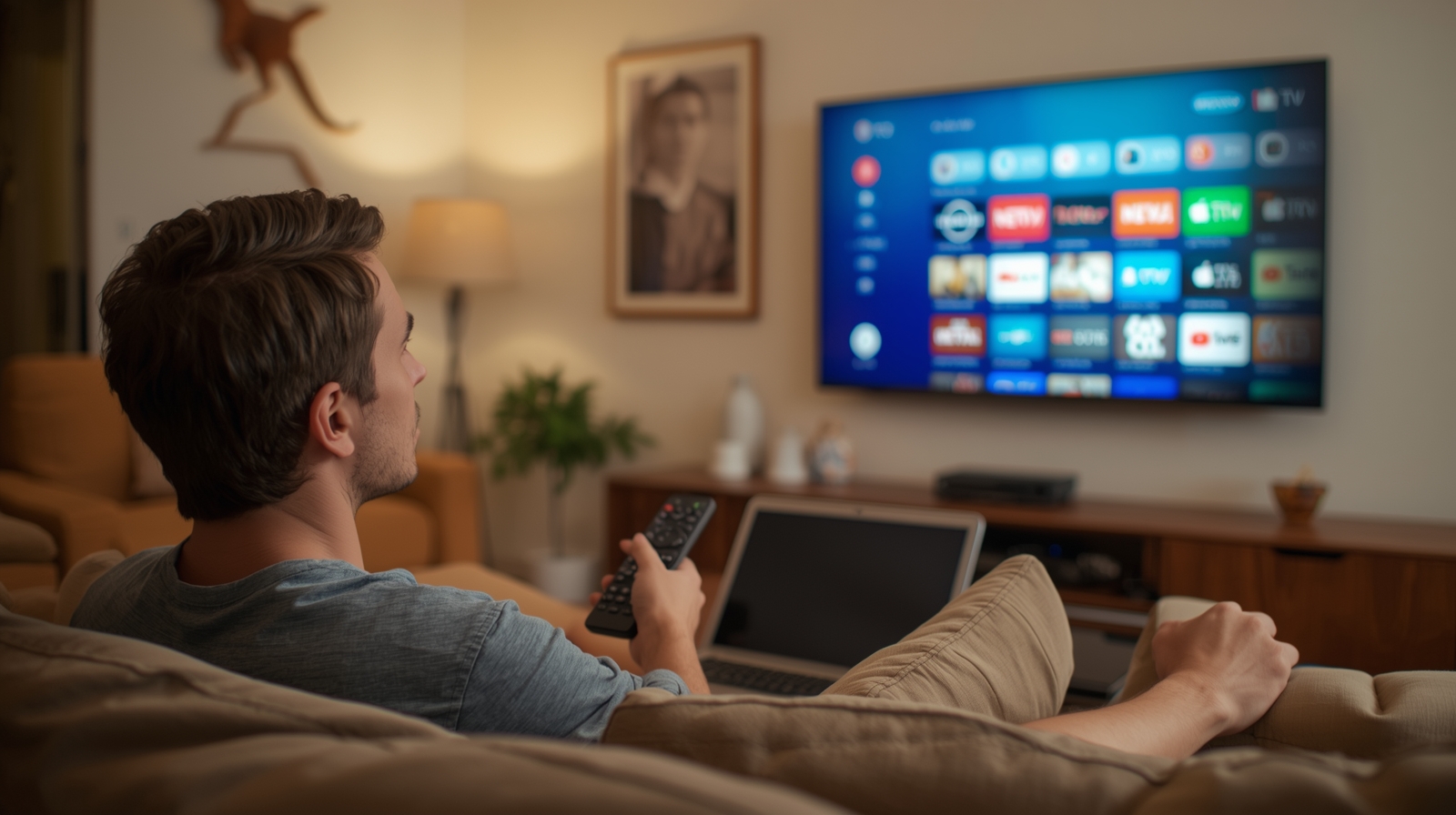
When people hear about IPTV in Australia, they often assume they need a Smart TV to enjoy it. But here’s the truth:
👉 IPTV works on many devices, not just Smart TVs.
Whether you have an older television, a basic flat screen, or no TV at all, you can still stream IPTV through devices like Firestick, Android TV boxes, PCs, and even smartphones.
In this guide, we’ll explain exactly how IPTV works without a Smart TV, what devices you can use, and which option is best for you in 2026.
Do You Need a Smart TV for IPTV?
The short answer is: No.
A Smart TV is just one of many ways to stream IPTV. As long as your device can connect to the internet and install IPTV apps or media players, you can watch IPTV anywhere.
👉 This makes IPTV more flexible than cable or satellite TV.
Ways to Watch IPTV Without a Smart TV in Australia
1. Amazon Firestick
The Amazon Firestick is one of the most popular devices for IPTV in Australia.
- Connects to any TV with an HDMI port.
- Install IPTV apps like TiviMate, IPTV Smarters Pro, or Kodi.
- Compact, portable, and budget-friendly.
💡 Best choice if you don’t own a Smart TV.
2. Android TV Boxes
Devices like Nvidia Shield, Xiaomi Mi Box, or Formuler Z11 are excellent IPTV players.
- Support 4K streaming.
- Run Android apps smoothly.
- More powerful than Firesticks, ideal for heavy IPTV users.
3. PC or Laptop (Windows/Mac)
If you don’t have a Smart TV, your computer is an easy option:
- Use IPTV players like VLC Media Player or MyIPTV Player.
- Screen mirror to your TV via HDMI cable.
- Best for users who like multitasking (watch + browse).
4. Tablets & Smartphones (Android & iOS)
IPTV apps are widely available on Google Play Store and Apple App Store.
- Watch IPTV on the go.
- Perfect for mobile streaming.
- Can cast to a Chromecast or Apple TV device.
5. Apple TV & Chromecast
If you’re in the Apple ecosystem, Apple TV works great with IPTV apps.
- Apps like GSE Smart IPTV or IPTV Smarters are available.
- Chromecast also allows IPTV casting from mobile devices.
6. Mag Boxes & IPTV Set-Top Boxes
These are dedicated IPTV devices made specifically for streaming IPTV services.
- Plug-and-play, often preloaded with IPTV apps.
- Easy for beginners who want a “cable-like” setup.
IPTV Without a TV at All
Here’s another surprise: you don’t even need a TV to use IPTV.
- Stream directly on your phone, tablet, or laptop.
- Great for travelers, students, or people who move often.
- You can still connect your device to a monitor or projector if you want a big screen.
Pros & Cons of IPTV Without a Smart TV
✅ Advantages
- More device flexibility (works on Firestick, PC, etc.).
- No need to buy an expensive Smart TV.
- Portable—take IPTV with you on mobile devices.
❌ Disadvantages
- Some setups require extra devices (Firestick, TV box, etc.).
- Older TVs may need an HDMI port to connect external devices.
- Certain apps may not be supported on all platforms.
FAQ – IPTV Without Smart TV in Australia
Q: Can I use IPTV on a normal TV?
Yes. With a Firestick, Android TV box, or Chromecast, any TV with HDMI can stream IPTV.
Q: Do I need special hardware for IPTV?
No. A Smart TV isn’t required. Any internet-connected device can run IPTV apps.
Q: Can I watch IPTV on my phone or tablet?
Yes. Android and iOS devices support IPTV apps like IPTV Smarters, GSE Smart IPTV, and Perfect Player.
Q: Is IPTV better on a Smart TV or external device?
External devices like Firestick or Android TV boxes often run IPTV smoother than built-in Smart TV apps.
Conclusion
So, does IPTV work without a Smart TV in Australia?
👉 Absolutely! You can watch IPTV on:
- Firestick or Android TV box (best option for older TVs).
- PC or laptop using IPTV players.
- Mobile devices for on-the-go streaming.
- Apple TV or Chromecast for casting.
This flexibility makes IPTV one of the most convenient ways to watch live TV, sports, and movies in Australia—without needing to buy a brand-new Smart TV.
👉 Ready to get started? Explore our IPTV Australia plans and start streaming on any device today.