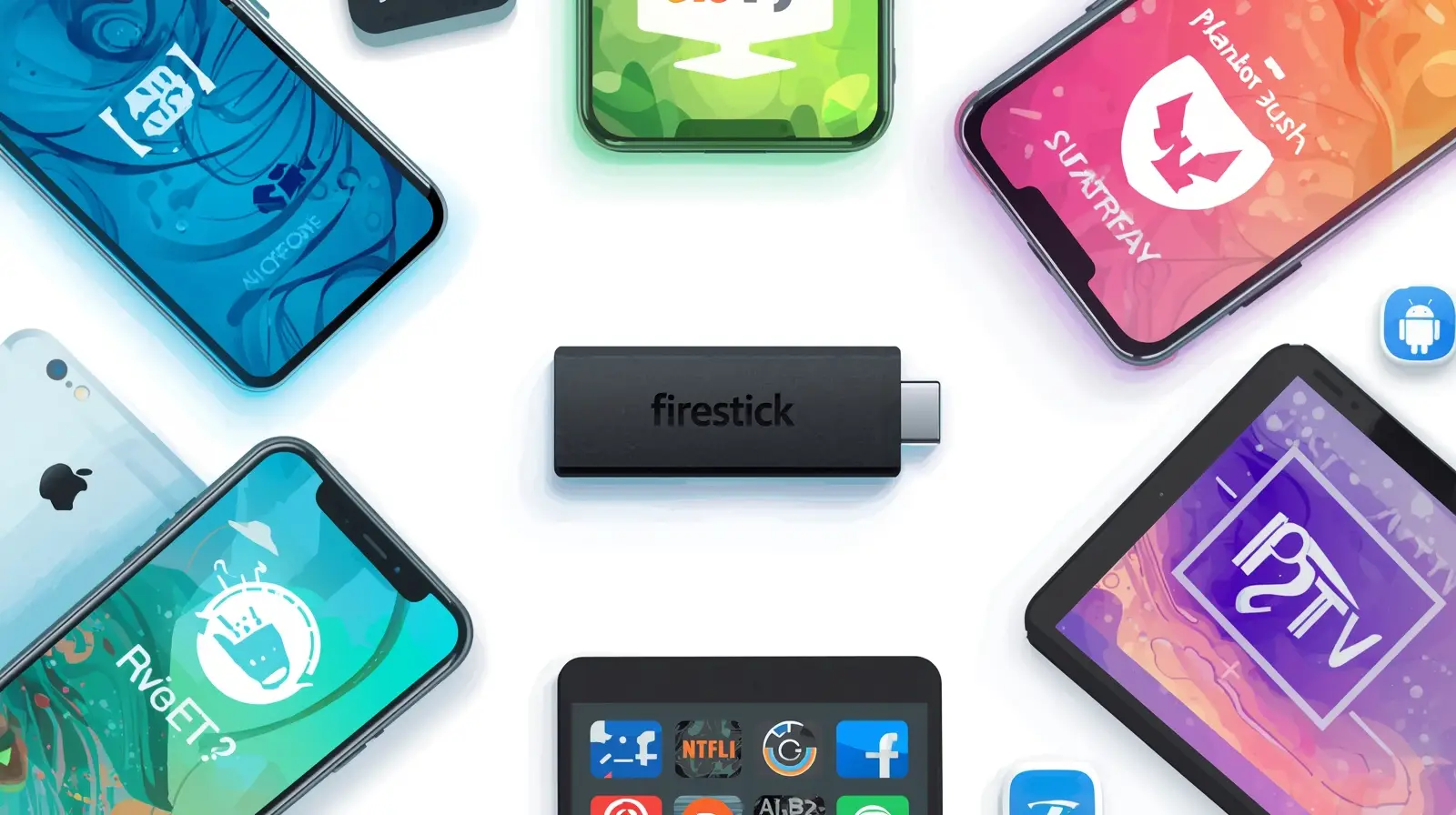
When it comes to streaming IPTV in Australia, the app you use makes a big difference. Even with the best IPTV subscription, poor-quality apps can cause buffering, crashes, or limited features.
That’s why choosing the best IPTV app for Firestick, Android, and iOS devices is just as important as selecting the right provider. In this guide, we’ll review the most popular IPTV apps in 2025, explain their features, and help you pick the one that works best for your setup.
Why Do You Need an IPTV App?
IPTV providers deliver content through M3U links, Xtream Codes, or playlists. To play these, you need a compatible IPTV player app installed on your device.
Benefits of using IPTV apps:
- User-friendly interface → Navigate channels easily.
- Customization → Create channel lists & favorites.
- Advanced features → Recording, catch-up, EPG (TV Guide).
- Multi-device support → Stream IPTV on Smart TV, Firestick, mobile, and tablet.
👉 Without the right app, your IPTV subscription won’t deliver its full potential.
Best IPTV Apps for Firestick in Australia
1. IPTV Smarters Pro
- Works flawlessly on Firestick & Fire TV devices.
- Supports Xtream Codes API, M3U URL, and playlist upload.
- User-friendly design with categories for sports, movies, and live TV.
- Allows multiple IPTV subscriptions in one app.
✅ Best for beginners who want an easy Firestick IPTV setup.
2. TiviMate IPTV Player
- Advanced IPTV player designed for Android TV and Firestick.
- Beautiful EPG (Electronic Program Guide) for live channels.
- Features: recording, catch-up, multiple playlists.
- Premium version unlocks additional features.
✅ Best for users who want a professional TV-like experience.
3. Perfect Player IPTV
- Lightweight and easy-to-use IPTV app.
- Supports M3U playlists and XML EPG guides.
- Works smoothly on Firestick without heavy storage use.
- Good option for older Firestick models.
✅ Best for minimalists who want a simple IPTV app.
Best IPTV Apps for Android Devices (Phones, Tablets, Smart TVs)
1. GSE Smart IPTV
- Available on Android smartphones, tablets, and Android TV.
- Supports multiple playlist formats: M3U, JSON, and Xtream Codes.
- Built-in player with subtitle support.
- Option to stream from external players (VLC, MX Player).
✅ Best for advanced users who want flexibility on Android.
2. OTT Navigator IPTV
- Modern design optimized for Android TV boxes.
- Smart channel grouping and search.
- Supports catch-up TV and multi-screen (watch 2 channels at once).
- Works with multiple IPTV providers.
✅ Best for power users who want maximum features on Android.
3. Lazy IPTV
- Simple, free app for Android.
- Supports M3U playlists and EPG guides.
- Works well on phones and tablets.
- Lacks advanced features but reliable for basic streaming.
✅ Best free option for casual Android IPTV users.
Best IPTV Apps for iOS (iPhone & iPad)
1. GSE Smart IPTV (iOS Version)
- One of the most popular IPTV apps for iOS.
- Supports M3U, JSON, and Xtream Codes.
- Compatible with AirPlay for Apple TV.
- Advanced features like subtitle support and parental control.
✅ Best for iPhone and iPad users who want flexibility.
2. IPTV Smarters Player (iOS)
- Available in the App Store.
- Same features as Firestick/Android version.
- Easy login with Xtream Codes API.
- Works smoothly on iPhone & iPad.
✅ Best all-in-one IPTV app for Apple users.
3. Flex IPTV
- User-friendly IPTV player for iOS.
- Supports playlist uploads via email or iTunes.
- Offers good playback quality on iPhone and iPad.
- Great for beginners who want quick setup.
✅ Best lightweight IPTV app for iOS beginners.
How to Install IPTV Apps on Firestick, Android & iOS
Firestick
- Go to Settings → My Fire TV → Developer Options.
- Enable Apps from Unknown Sources.
- Install Downloader app from Amazon Store.
- Enter app download link (provided by IPTV provider or app website).
- Install IPTV app → Enter credentials → Start streaming.
Android
- Open Google Play Store.
- Search for your chosen IPTV app (IPTV Smarters, GSE, TiviMate).
- Download and install.
- Enter IPTV details → Enjoy streaming.
iOS
- Open the App Store.
- Search for IPTV Smarters or GSE Smart IPTV.
- Download and install.
- Log in using your provider’s details.
Tips for the Best IPTV Experience in Australia
- Use Ethernet instead of Wi-Fi for stable connections.
- Have at least 20 Mbps internet speed for HD, 50 Mbps for 4K.
- Update IPTV apps regularly to avoid crashes.
- Use a VPN for IPTV in Australia to protect privacy and unlock more content.
FAQ – Best IPTV Apps in Australia
Q: Which IPTV app is best for Firestick?
IPTV Smarters Pro and TiviMate are the most popular options in Australia.
Q: Are IPTV apps free?
Some are free, while others require a small one-time or subscription fee.
Q: Can I use the same IPTV app on multiple devices?
Yes, many apps allow login on Firestick, Android, and iOS devices.
Q: Do I need to install an app if my Smart TV already has IPTV built-in?
Yes, for advanced features, third-party IPTV apps are recommended.
👉 Once you’ve installed the right app, pair it with a reliable IPTV subscription in Australia to enjoy live TV, sports, and movies without interruptions.
Check out our IPTV Australia subscription plans today and unlock the full potential of your Firestick, Android, or iOS device.