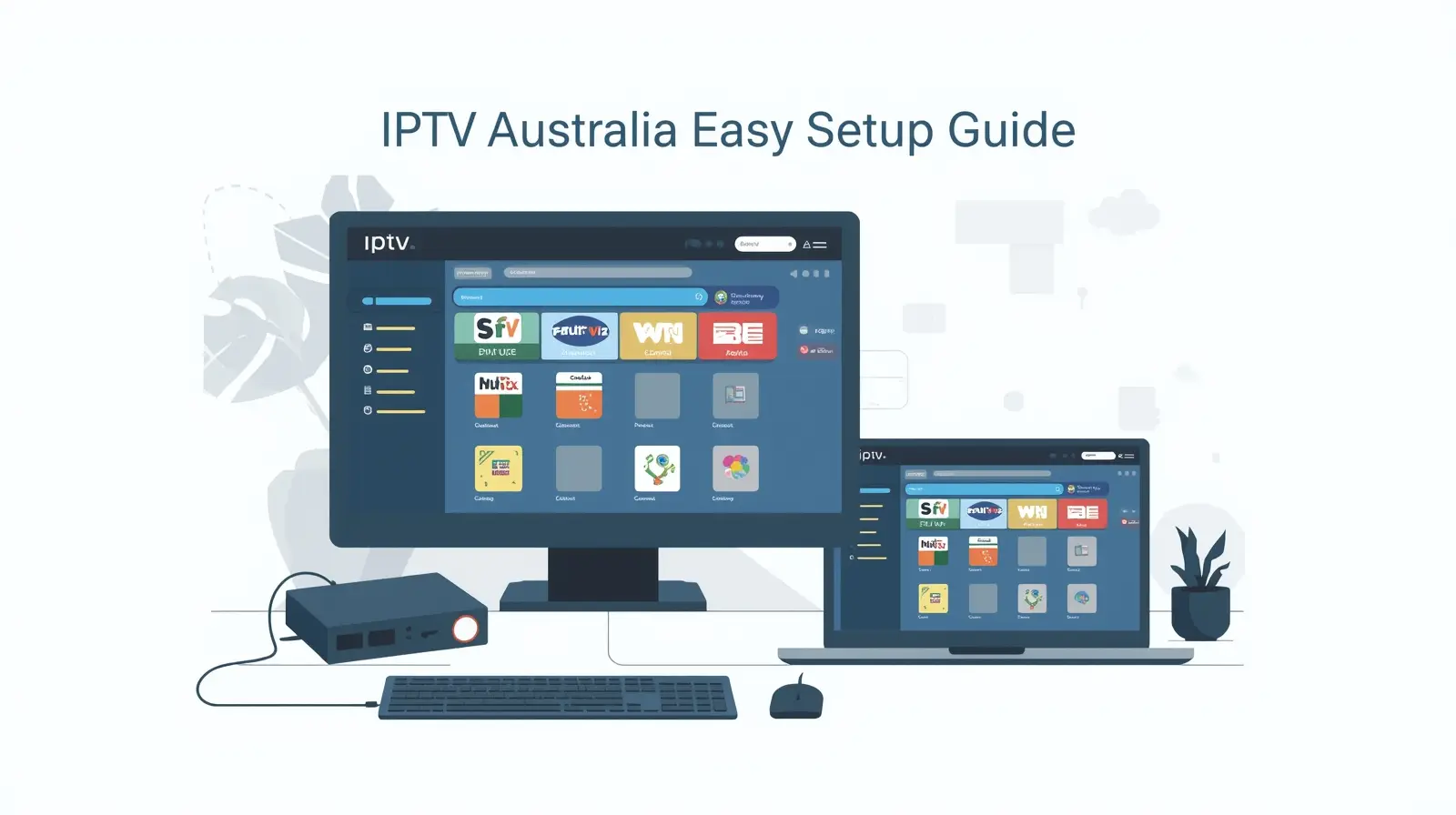
While Smart TVs and Firestick devices are popular for IPTV streaming, many Australians still enjoy watching IPTV on PCs and laptops. Whether you’re on Windows or Mac, setting up IPTV is easier than you think.
In this guide, we’ll explain how to install and configure IPTV on computers, recommend the best IPTV players for PC & Mac, and share tips for the best streaming experience in Australia.
Why Watch IPTV on PC or Laptop?
Streaming IPTV on a computer has several advantages:
- Bigger screen than mobile devices for movies & sports.
- Multitasking → Watch IPTV while browsing or working.
- Powerful hardware → PCs handle HD and 4K streams better.
- Flexible apps → Access advanced IPTV players not available on Smart TVs.
- Recording & storage → Easily save IPTV content on your computer.
👉 If you don’t own a Smart TV or Firestick, your PC or laptop is the next best IPTV device.
What You Need to Get Started
Before installing IPTV on your computer, make sure you have:
- Stable internet connection (20 Mbps for HD, 50 Mbps for 4K).
- An IPTV subscription (M3U playlist link or Xtream Codes API).
- A media player or IPTV app installed on your PC or Mac.
- Optional: VPN for IPTV Australia (for privacy & access to global content).
Best IPTV Players for PC (Windows & Mac)
1. VLC Media Player (Windows & Mac)
- Free and lightweight.
- Supports M3U playlists & streaming URLs.
- Works on both Windows and macOS.
- Simple interface, but limited advanced features.
👉 Best for beginners who want a quick IPTV setup.
2. Kodi (Windows & Mac)
- Open-source media center.
- Supports IPTV through add-ons (PVR IPTV Simple Client).
- Highly customizable with skins, add-ons, and guides.
- Requires some setup but very powerful.
👉 Best for advanced users who want full control.
3. MyIPTV Player (Windows Only)
- Available on Microsoft Store.
- Easy M3U playlist management.
- Built-in EPG support for TV guides.
- Works smoothly on Windows 10 & 11.
👉 Best for Windows users who want a dedicated IPTV player.
4. GSE Smart IPTV (MacOS)
- Popular IPTV app for mobile, also works on Mac.
- Supports Xtream Codes API & M3U playlists.
- Modern interface with EPG and catch-up features.
- Syncs across iOS devices for Apple users.
👉 Best for Mac users looking for a clean IPTV experience.
5. ProgDVB/ProgTV (Windows)
- Advanced IPTV player with support for digital TV cards.
- Features: recording, picture-in-picture, EPG.
- Requires more configuration but very powerful.
👉 Best for power users on Windows PCs.
How to Set Up IPTV on Windows PC
Method 1: Using VLC Media Player
- Download and install VLC Media Player.
- Open VLC → Click Media → Open Network Stream.
- Paste your IPTV M3U link or Xtream Codes URL.
- Press Play → IPTV channels will load instantly.
✅ Quick and easy setup, perfect for beginners.
Method 2: Using MyIPTV Player (Windows 10/11)
- Go to Microsoft Store and install MyIPTV Player.
- Open app → Go to Settings → Add new playlist and EPG source.
- Enter your IPTV M3U playlist link.
- Refresh → Channels and TV Guide will appear.
✅ Great for users who want an IPTV-dedicated app.
How to Set Up IPTV on Mac
Method 1: Using VLC Media Player
- Download and install VLC for Mac.
- Open VLC → Select File → Open Network.
- Paste your IPTV M3U URL.
- Press play → Start streaming IPTV channels.
Method 2: Using GSE Smart IPTV (Mac App)
- Download GSE Smart IPTV from the App Store.
- Open app → Add playlist with M3U link or Xtream Codes.
- IPTV channels will load with categories and EPG.
✅ More advanced features compared to VLC.
Troubleshooting IPTV on PC & Laptops
- Buffering issues? → Use wired Ethernet or upgrade internet speed.
- Playlist not loading? → Check your IPTV subscription link.
- App crashes? → Update your IPTV player to the latest version.
- Blocked channels? → Use a VPN for IPTV Australia to bypass restrictions.
FAQ – IPTV on Computers
Q: Can I watch IPTV on my laptop without installing apps?
Yes, many IPTV providers offer Web Players that run directly in your browser.
Q: Is IPTV legal on PC in Australia?
Yes, IPTV is legal as long as you’re using a licensed provider.
Q: Can I record IPTV shows on PC?
Yes, players like ProgDVB and VLC allow recording streams.
Q: Does IPTV work better on PC than Smart TV?
In many cases, yes – PCs have more powerful hardware and better apps.
👉 Ready to stream? Pair your computer with a reliable IPTV subscription in Australia for smooth HD & 4K viewing. Check out our IPTV Australia plans today and start watching on any device!